
Spot the Difference
Two pictures, three differences. Find them all before time runs out.
More games
See all →







About this game
Spot the Difference shows you two nearly-identical scenes side by side and asks you to find three things that have changed between them. A flower might be a different color. A cloud might have vanished. A bird might have appeared in a tree where there was no bird before. The clock is counting down from thirty seconds, and a wrong tap costs you three. Find all three differences and the next stage starts automatically — find them across all stages and you finish a round.
The Kioku version uses scenes drawn entirely in code (SVG / Canvas vector graphics, no AI image generation, no photo libraries) so the changes between the two pictures are pixel-precise and never ambiguous. Each scene — a sunny garden, an aquarium, a cozy kitchen, a star-lit space station, more added regularly — has a curated pool of difference candidates that the game picks from each round, so the same scene rarely plays the same way twice. Personal best is saved per browser, and there is no signup, no install, and no ads inside the gameplay area itself.
The cognitive science of visual search and change blindness
Spotting differences sits at the intersection of two of the most-studied phenomena in cognitive psychology: visual search and change blindness. Visual search is the everyday task of finding a particular object among distractors — your keys on a cluttered desk, a friend in a crowd, a typo in a paragraph. Change blindness is the surprisingly robust failure to notice large changes when they happen during a brief disruption (a blink, a saccade, a brief blank screen). Spot the Difference exploits both: you must visually search across two images, and the differences are protected from your attention by the simple fact that you cannot look at both pictures at the exact same instant.
The mechanisms involve the parietal cortex (which directs spatial attention), the inferior temporal cortex (which compares features), and a long-known capacity limit: humans can only hold about four to five items in detailed visual working memory at any moment. That is why systematic strategies — quadrant-by-quadrant scanning, focusing on silhouettes before details — outperform random looking by such large margins. The famous "gorilla in the basketball game" experiment by Simons and Chabris (1999) is part of the same family: when attention is occupied, even very large visual changes can pass unnoticed. The flip side is that practice on this kind of task measurably tightens your attention and reduces the cost of change blindness in everyday life.
A short history: from Highlights magazine to Rensink
The "find the differences between two pictures" puzzle has been a staple of children's magazines and Sunday newspapers for over a century. Highlights for Children popularised the format in the United States starting in 1946, and it has appeared in similar form in publications worldwide — French Pif Gadget, Japanese 学習雑誌 series, Spanish El Pequeño País — with remarkably consistent design: two roughly 10cm-square illustrations, five or seven differences, and an answer key on a later page. Generations of children have learned visual scanning by hunting for these.
In the academic literature, the formal study of change blindness took off in the late 1990s. Ronald Rensink's 1997 "flicker paradigm" experiments showed that surprisingly large changes between two versions of an image — moving an entire engine in a photograph of a plane, for instance — go unnoticed for many seconds when a brief blank frame is inserted between them. Simons and Levin's 1998 "person swap" study famously had an experimenter swap places with another person mid-conversation while obscured by a passing door, and most participants did not notice the swap. The cognitive lesson is that vision is far more local and far less continuous than it feels. Spot the Difference is essentially the gamified consumer version of this entire research tradition.
Strategies that boost detection
Three habits separate strong Spot the Difference players from people who randomly tap and miss. First, scan systematically. Pick a starting corner — top-left is the convention — and sweep your eyes in reading order, comparing the same region on both pictures before moving on. Random scanning leaves blind spots that the timer punishes ruthlessly. The pros use a rough quadrant strategy: top-left → top-right → bottom-left → bottom-right, fully covering each quadrant before moving to the next.
Second, look at silhouettes before details. The biggest changes are often missing or added objects, which show up first as outline differences. A vanished tree is much faster to spot by silhouette than by counting branches. Only after silhouette-scanning has cleared each quadrant should you switch to detail-scanning for color and pattern changes. Third, when in doubt, do not tap. A wrong tap costs you three seconds and twenty-five points — that is enough to lose a stage. Strong players have a calm "almost-positive before tapping" rule. Combining these three habits typically takes new players from 1.5/3 average to 2.7/3 within a week.
Difficulty, scoring, and how Kioku Spot the Difference works
A round runs four stages drawn from a rotating pool of scenes (currently four scenes — garden, aquarium, kitchen, space station — with eight more scenes planned). Each stage has three differences and a thirty-second timer. Three difficulty modes change the timer (Easy 45s / Normal 30s / Hard 20s) and the subtlety of the changes (Easy = large color/silhouette changes, Hard = subtle recolors and small object moves). Personal best is saved per difficulty in your browser local storage.
Score per stage = 300 base + 10 × seconds remaining − 50 per hint used − 25 per miss, floored at zero. The optional weekly leaderboard accepts your single best round score across any difficulty (with difficulty tagged); reset is every Monday at 00:00 UTC. Hints are limited to two per stage and highlight a 180-pixel-radius circle around one remaining difference for 1.5 seconds, costing 50 points but never costing time. The penalty structure deliberately favours patient, accurate play over frantic tapping — a slow, clean run almost always beats a fast, miss-heavy one.
Spot the Difference for kids, students, and seniors
For children aged six and up, Spot the Difference is one of the most universally loved cognitive games — the format has been used in children's media for nearly a century precisely because it works. It trains visual attention, comparison thinking, and the patience to systematically scan rather than randomly grab. Most six-year-olds need the Easy difficulty and casual play; by ten they handle Normal comfortably and can usually beat a parent who is "just having a quick go". The win-feeling when a child finds a difference the parent missed is a reliable joy.
For students preparing for tasks that demand fine visual attention (reading proofs, debugging code, reading X-rays in radiology training, comparing wiring diagrams in engineering), the meta-skill of "scan systematically, do not skip a quadrant" transfers strongly. For seniors, visual attention is one of the more graceful cognitive aging functions — it declines slowly and responds well to practice. Five minutes a day of Spot the Difference has been informally reported by users to noticeably improve their everyday "find my keys" awareness within a couple of weeks. The game has no time pressure on the Easy mode's 45-second window for any stage, making it a comfortable daily habit at any age.
Related Kioku Games
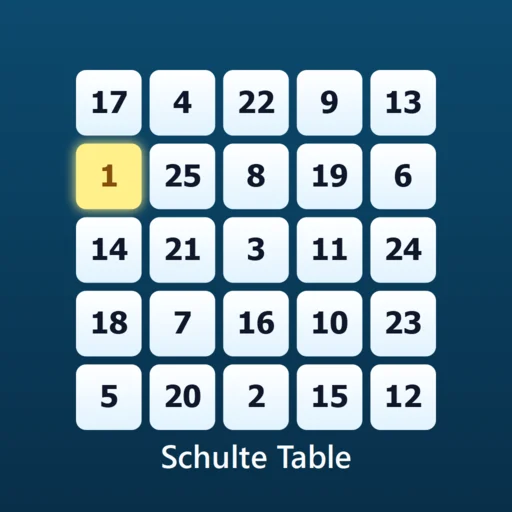
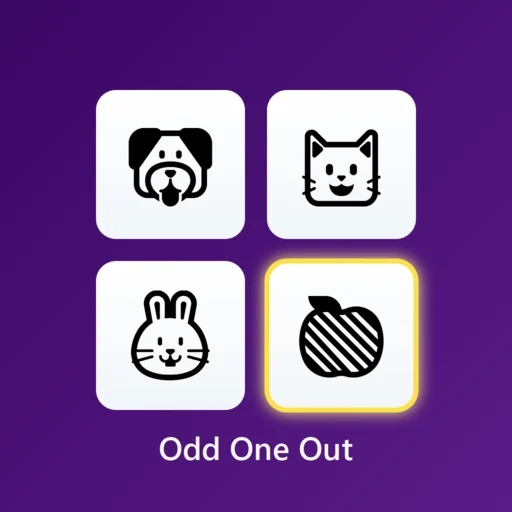
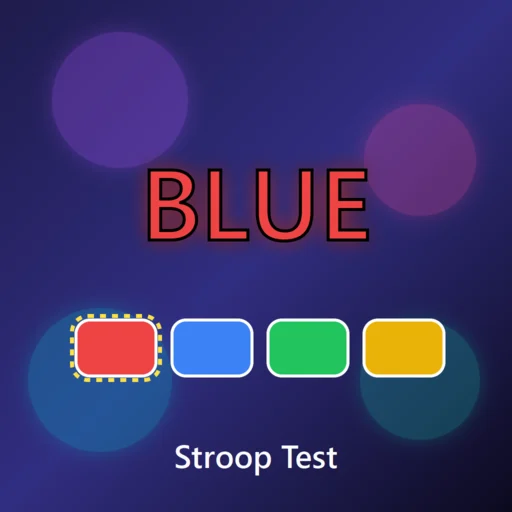
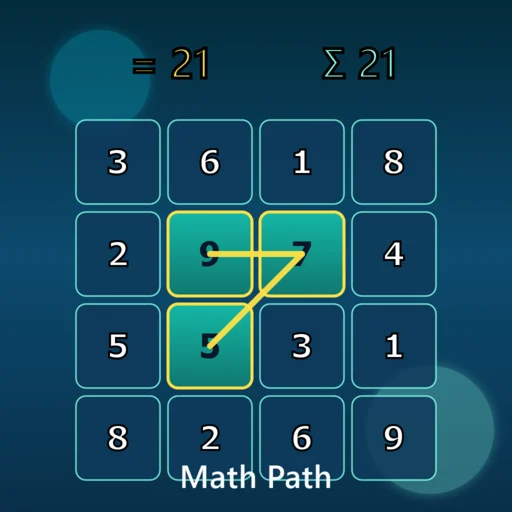
If you enjoy Spot the Difference, three sister games extend the visual-attention theme along different axes. Memory Match (concentration) is the longer-retention sibling — pairs of cards revealed by clicking, requiring you to remember positions over many seconds rather than scanning two simultaneous images. Flash Memory is the sub-second version — a configuration of digits flashes and you must recall positions, layering iconic memory time pressure on top of the spatial scan. Spatial Memory is the order-memory cousin — sequence of lighting blocks rather than spatial comparison. Together these four cover scan, retention, snapshot, and order across the visual attention landscape — a balanced workout in twenty minutes a day.
Frequently asked questions
Is Spot the Difference really free?
Yes, completely free. No signup, no in-app purchase, no premium tier. The site is supported by display ads next to the game (the gameplay area itself stays ad-free).
Do I need to create an account?
No. Personal best per difficulty is stored locally in your browser. You only need to enter a display name if you choose to submit a score to the optional weekly leaderboard.
How many stages are there in a round?
A round is currently 4 stages drawn from a pool of 4 scenes (garden, aquarium, kitchen, space station). 8 more scenes are planned, after which a round will be 10 stages drawn from a 12-scene pool. Each stage has 3 differences.
Where do the pictures come from?
Every scene is drawn entirely in code using SVG and Canvas vector graphics. No AI image generation, no photo libraries, no third-party art assets. This means the differences between the two pictures are pixel-precise and never ambiguous, and the entire game is transparent and copyright-clean.
What's a good time?
On Normal difficulty (30s per stage), most adults complete a 4-stage round in 1:30-2:30 with 0-2 misses. Sub-1-minute clean runs are rare and impressive. On Hard (20s), even strong players average 2:00+ because the differences are subtle. Personal-best chasing keeps you coming back.
How do the difficulty modes differ?
Easy: 45s per stage, large color/silhouette differences. Normal: 30s per stage, mid-range subtlety. Hard: 20s per stage, subtle recolors and small object moves. The same scene pool is used; the diff selector picks easier or harder candidates based on the chosen mode.
Is the game color-blind friendly?
Yes. By design, "recolor-only" differences are capped at one per stage, so the remaining two differences are always identifiable by shape (added, removed, or moved object). This means the entire game is fully playable without color discrimination.
Can I play with a keyboard?
Mostly. The H key triggers a hint, and Tab/Enter focus and activate buttons in the HUD. Tapping for differences currently still requires mouse or touch — full keyboard cycling between difference candidates is on the roadmap.
Is it OK for kids?
Yes — and it is one of the most kid-friendly games in the catalogue. The format has been used in children's magazines since 1946. The game has no chat, no user-generated content, and no in-app purchases. Recommended from age 6 with the Easy difficulty setting.
Will daily practice improve my visual attention?
It will reliably improve your performance on this specific kind of side-by-side comparison task within a few weeks. Transfer to broader visual attention tasks (route navigation, reading proofs, finding things on a cluttered desk) is positive but modest in the published research. The honest claim: better systematic-scanning habit, more patience for visual comparison, plus the well-established benefits of any regular cognitive engagement.